
Meet Tonality, the most granular voice control model in the world.
Change the pitch, tone, duration, pauses, energy, and pronunciation of any single word, and keep the speaker's voice and room acoustics. Works on text to speech and on audio files you already have.
The Tonality playground is free, with rate limits.
For API access and higher volume, contact sales.
What makes Tonality unique
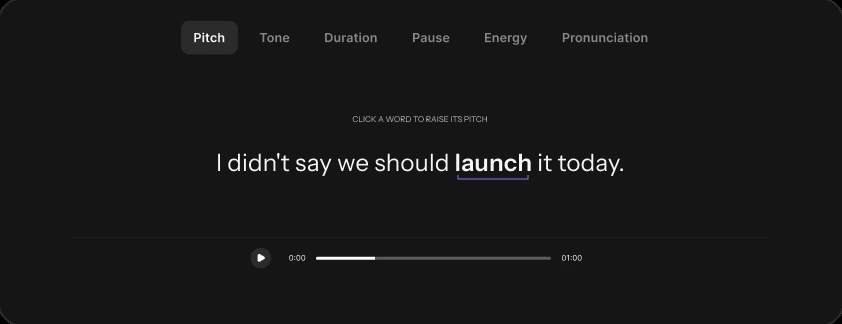
Granularity of control
You control the pitch, tone, duration, pause, energy and pronunciation on any single word.
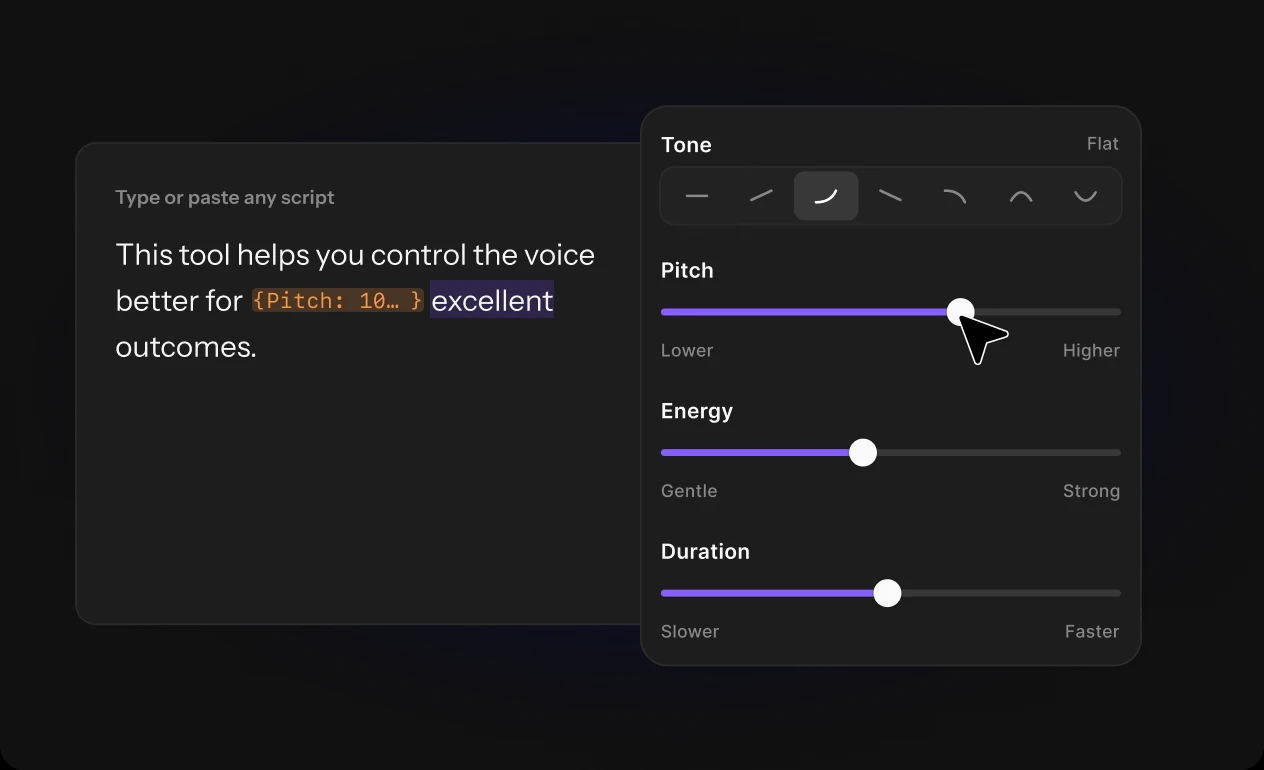
In-line speech editing
Change, insert or remove words, or add new sentences, inside a real recording.
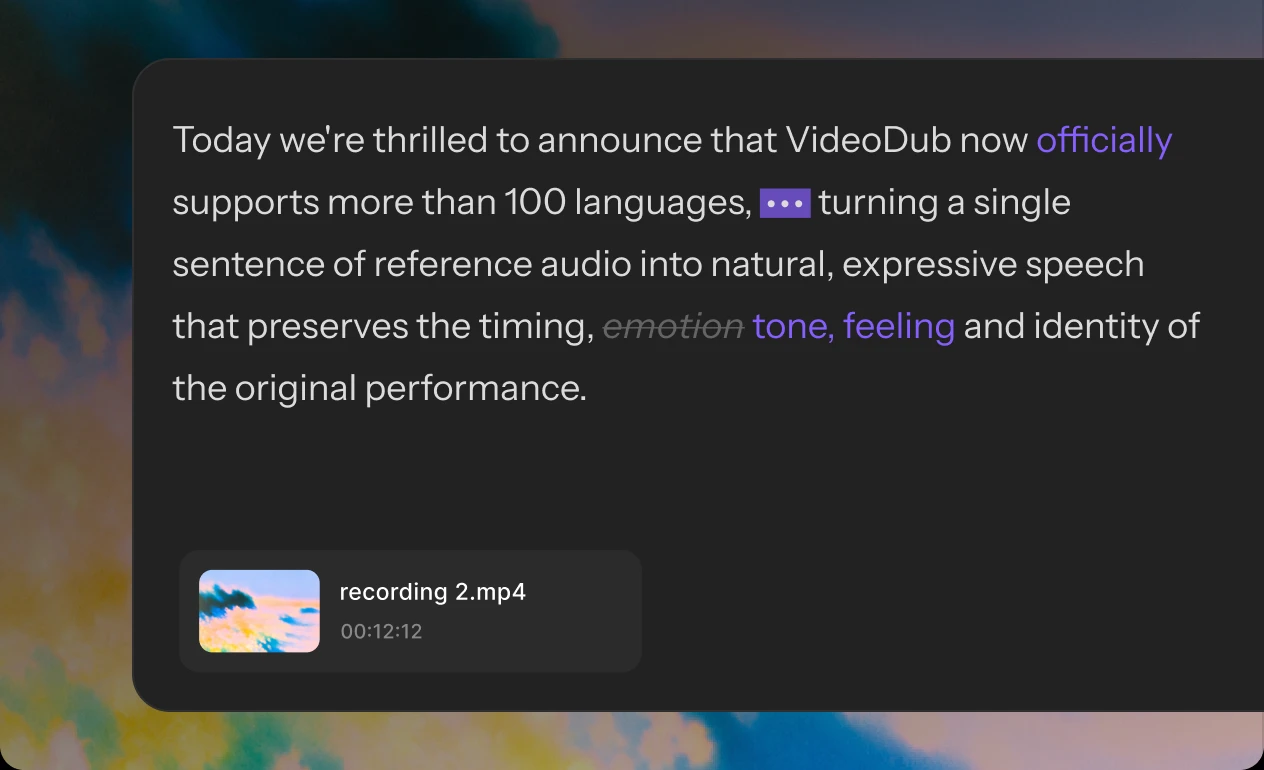
Identity preservation
Edits and new words keep the speaker's voice, pacing, accent, and the acoustics of the room they recorded in.
You can add pauses, fix pronunciation and shape the tone, while the speaker’s voice and room stay exactly the same.
It works on typed text and on recordings you already have.
Compare the audio output generated by each model.
“UnclearDuring this recording, Riverside orchestrates a team of agents to get to work. In minutes, the agents hand you a multi-camera rough cut, four reels, a newsletter,”
“During this recording, Riverside orchestrates a team of agents to get to work. In a few minutes, the agents hand you a multi-camera rough cut, six reels, a newsletter,”
Listen to the original script, then compare how each model sounds with the exact same change.
Script sent
“During this recording,– Riverside orchestrates a team of agents to get to work. In a few minutes, the agents hand you a multi-camera rough cut, six reels, a newsletter,”
Script sent
During this recording... Riverside orchestrates a TEAM OF AGENTS to get to work. In a few minutes, the agents hand you a multi-camera rough cut, six reels, a NEWSLETTER,
Script sent
During this recording,<break time="250ms"/> Riverside orchestrates a <volume ratio="1.5"/>team of agents<volume ratio="1.0"/> to get to work. In a few minutes, the agents hand you a multi-camera rough cut, six reels, a <volume ratio="1.5"/>newsletter,
Script sent
During this recording, [pause] Riverside orchestrates a TEAM OF AGENTS to get to work. In a few minutes, the agents hand you a multi-camera rough cut, six reels, a NEWSLETTER,
Script sent
During this recording, Riverside orchestrates a team of agents to get to work. In a few minutes, the agents hand you a multi-camera rough cut, six reels, a newsletter,
What to use it for
Agentic video production
Your agent adds a line to the narration. The rest of the track stays as it was.
High-stakes productions
Change one word in an approved take and keep every other word exactly as it was recorded.
Voice-overs
Re-direct a line, with a lift here or a beat there, without re-recording the whole read.
Podcast ad insertion
Swap a sponsor name or an offer inside an existing episode and keep the host's voice and room sound.
Narration and audiobooks
Fix a mispronounced name or a flat line in a long read without recording the chapter again.
Dubbing
Lengthen a word or add a pause so a line fits the shot, in the same voice.
Upload, direct, done.
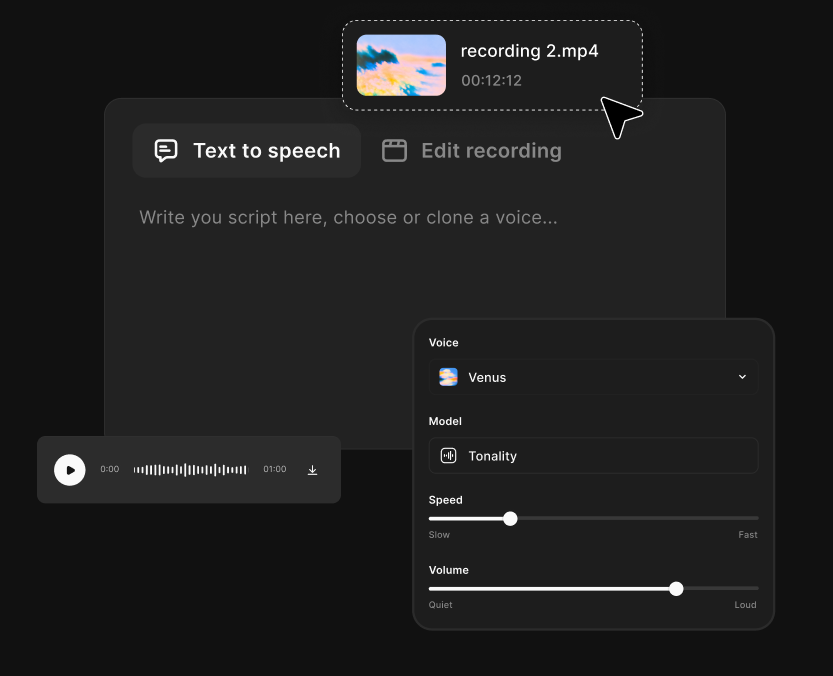
Bring audio or text
Upload any recording or insert a script, select a reference voice, and generate the recording on the fly.
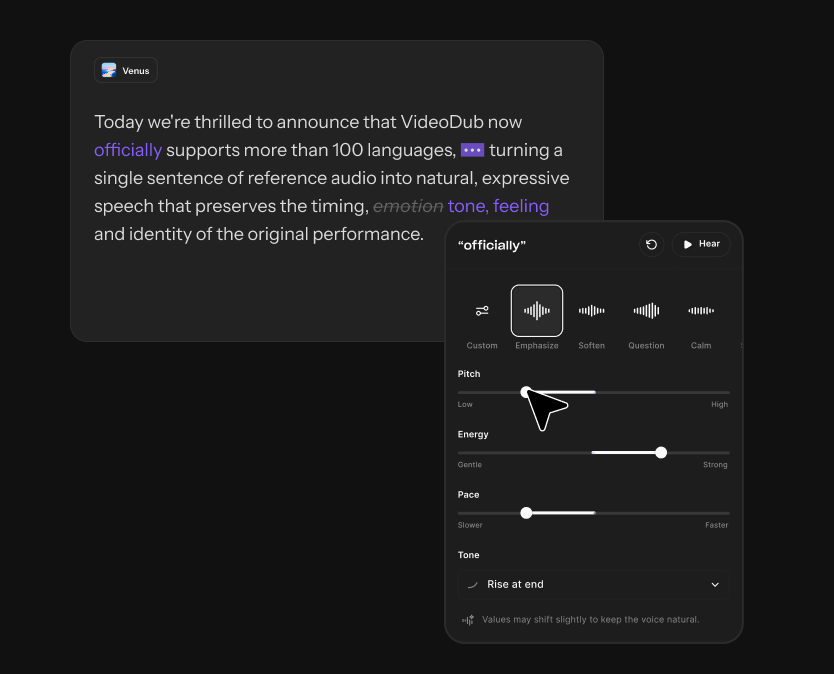
Make any change
Edit the transcript, add new lines, set cues on any word (pitch, length, pause, energy, tone, and pronunciation), and lock what's already right.
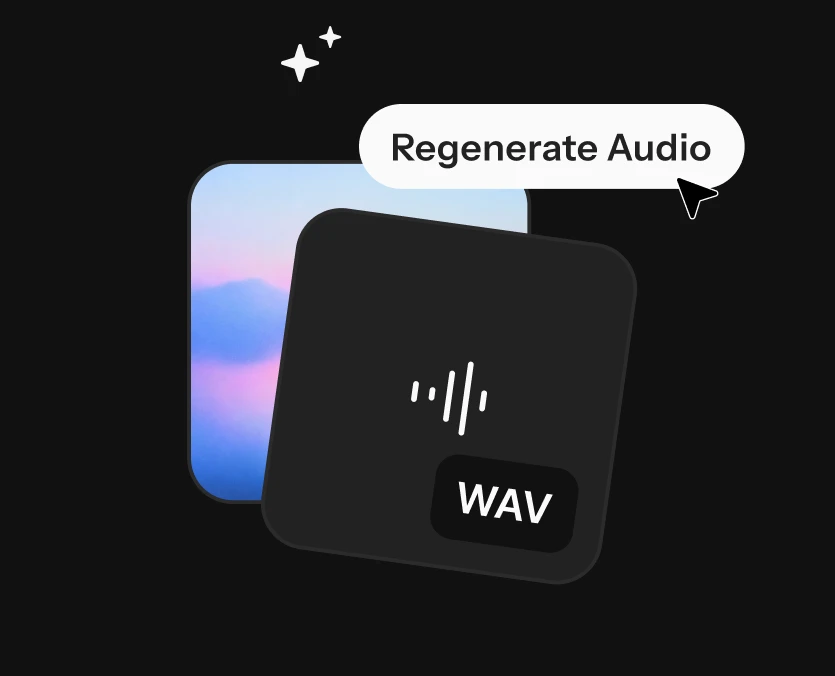
Generate the result
You get the edited audio and the exact sample ranges that changed, so you can verify nothing else moved.

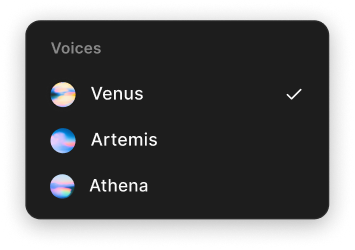


Try Tonality for yourself
Open the playground, drop in a take you already have, and change one word.
Every control on your own recordings: direct, edit and add. Rate-limited.
Try for free →Volume pricing for teams putting speech editing in their product. Keys, docs and support through sales.
Contact sales for API access